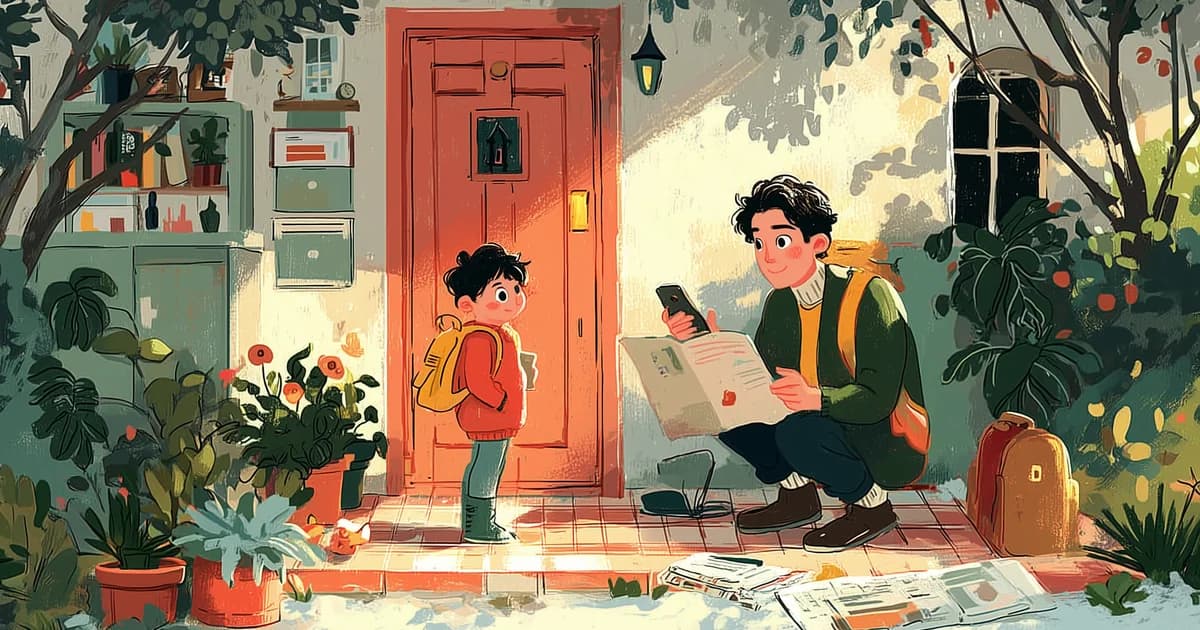
Short answer: yes. Calendara is a calendar app that reads your school newsletters for you. Take a photo of the newsletter — or paste a screenshot — and its AI pulls out every date, time, and event name and adds them to your shared family calendar. No typing the 40 dates in one at a time.
If you've ever sat down with the school's "important dates" newsletter and a calendar app open in the other hand, this is the part that disappears.
How it works
- Take a photo of the school newsletter, flyer, or printed calendar — or paste a screenshot if it came by email.
- AI reads it. Calendara extracts every event it finds: early-release days, picture day, conferences, no-school dates, the band concert — with dates and times.
- Review and add. You see the list it built, fix anything if needed, and add them all to your shared calendar in one tap. Everyone in the family sees them.
That's it. A two-page school-year newsletter goes from paper to shared calendar in about twenty seconds. (Here's a deeper look at how photo-to-calendar works.)
Put This Guide Into Practice
Download Calendara and start organizing your family calendar today.
What it catches (and doesn't miss)
School newsletters pack in a lot of dates — and they're not always formatted the same way. Calendara's AI reads the whole page and pulls out every event it can find, including the ones that are easy to miss when you're skimming at 10 PM:
- Early-release and half days — those 1:30 PM dismissals that sneak up on you.
- Picture day and retake day — including the "wear something nice" reminder your kid will ignore.
- Parent-teacher conferences — with the date range, even if specific time slots aren't listed yet.
- No-school days — teacher workdays, holidays, weather make-up days.
- Band and choir concerts, art shows, science fairs — the evening events that need a sitter for the younger one.
- Field trips and permission-slip deadlines — the dates behind the dates.
- Spirit weeks and themed days — pajama day, crazy-hair day, the ones your kid will never forgive you for forgetting.
It also handles the layout quirks you see in school documents — two-column PDFs, tables inside newsletters, dates scattered across paragraphs. The AI reads the page the way you would, just faster.
It works on more than newsletters
The same photo-to-calendar flow handles anything with dates on it:
- Camp and after-school program PDFs
- Sports practice and game schedules (including a coach's handwriting on a whiteboard)
- Appointment cards and save-the-dates
- Screenshots of schedules shared in group chats or email
- Any printed or on-screen calendar
If you're pulling dates from a school flyer specifically, we wrote a step-by-step walkthrough for that use case.
Why it should land on a shared calendar
Reading the newsletter is only half the problem. The other half is making sure your partner, your co-parent, or grandma actually sees the dates. That's where the "shared" part matters.
When Calendara extracts the events, they go onto a family calendar that everyone in the household can see. Calendara has true two-way Google Calendar sync, so even family members who don't use Calendara — including anyone on Android or the web — see the same events on their own Google Calendar. No forwarding, no "did you see the newsletter," no duplicate entries.
One parent takes the photo. The whole family has the schedule. That's the point. If you want to compare shared calendar options more broadly, here's our guide to the best shared family calendar apps.
See it work on your own flyer
Take a photo of any schedule — camp flyer, practice calendar, school newsletter — and Calendara turns it into shared, color-coded events for the whole family.
What about typing apps?
Some calendar apps now offer "smart" text entry — you type a line like "picture day Oct 14" and it parses it into an event. That's helpful, but you're still reading the newsletter and typing each line yourself. The difference with Calendara is that it reads the page — you photograph the newsletter and the events come out.
Handwriting, PDFs, and accuracy
A fair question: does it actually work on messy documents? Yes — and this is where Calendara earns its keep. The AI reads:
- Printed flyers and PDFs — including multi-page documents with tables and mixed layouts.
- Handwritten notes — a coach's practice schedule scrawled on a whiteboard, a teacher's handwritten memo, a sticky note on the fridge.
- Screenshots — from email, a school portal, a group chat, or a website.
It's not perfect 100% of the time — that's why the review step exists. You see every event the AI found before anything touches your calendar, and you can edit or remove anything that looks off. In practice, it gets the vast majority of dates right on the first pass, especially on printed text. Handwriting accuracy depends on legibility (your handwriting, not the AI's), but it handles most of what we've thrown at it.
For a deeper dive on how the AI extraction works under the hood, see how to add a school calendar to your phone.
Try it on this week's newsletter
Calendara gives new families a 7-day full-access preview on iOS (iPhone and iPad), then $4.99/mo or $39.99/yr, and families who joined during early access keep their access. Find the next school newsletter or flyer in your inbox or on the fridge, open the app, and take a photo. Watch the dates land on a calendar the whole family can see.
Put This Guide Into Practice
Download Calendara and start organizing your family calendar today.