
Yes, you can add an image to a Google Calendar event, but only as a file attached through Google Drive. On a computer, open the event, click the Drive attachment icon in the description box, and pick or upload the image. If the image is a flyer or schedule, it is faster to turn it into the events themselves.
Reading this on a computer? Calendara is an iPhone app. Open this page on your phone, or get the download link and scan the code.
Put This Guide Into Practice
Download Calendara and start organizing your family calendar today.
How do I add an image to a Google Calendar event?
These are the steps from Google's help page on event attachments:
- Open Google Calendar on your computer.
- Create a new event (click More options) or open an existing one.
- In the description box, click the Add a Google Drive attachment icon.
- Pick the image from Google Drive and click Insert, or click Upload and choose it from your computer.
- Click Save.
If the event has guests who can't view the file, Google asks how to share it. The three choices are anyone with the link, guests of the event, or saving without sharing. In the last case guests see the file name but can't open it.
As of November 2026, that is what Google's page describes. It does not give a file size or type limit. Google also says you can't add an attachment if your admin has turned Drive off, or if Drive isn't linked to the account you use for the event.
Can I add a picture to a Google Calendar event on my phone?
Google's help page for attachments lists steps for computer, Android and iPhone & iPad. We could read the computer steps on Google's page. For phones, the iPhone Calendar app has attached Google Drive files since 2015, according to Engadget's report from that year, and the file has to be in Drive first.
So on a phone the order is: upload the picture to Google Drive, then open the event and attach it from Drive. Open the event on your phone to see the exact button on your version of the app.
What does an attached image actually do?
It gives the event a file to open: a map to the party, a ticket, a permission slip. It is an attachment, so:
- It is not a picture shown on the event. The guests open a file.
- It depends on Drive sharing. A guest who can't open the Drive file sees only the name.
- It does not read the image. A flyer with twelve dates still needs twelve events.
What if I want the dates in the image, not the image?
That is the usual reason people search this. Someone photographs the soccer schedule and wants it in Google Calendar. Google's help pages don't describe a photo-to-event import in Calendar, so attaching the photo to one event leaves the dates stuck in a picture.
| What you want | Best way |
|---|---|
| One document handy on one event | Drive attachment |
| One date from a photo | Type it, or on iPhone use Live Text to create the event |
| Every date on a flyer, schedule or PDF | Calendara reads it and creates all the events, then syncs to Google Calendar |
See it work on your own flyer
Take a photo of any schedule — camp flyer, practice calendar, school newsletter — and Calendara turns it into shared, color-coded events for the whole family.
How do I turn a photo into Google Calendar events?
Calendara is an iPhone app that reads photos, screenshots, PDFs and pasted text with AI.
- Take a photo, choose one from your library, or upload a PDF.
- AI reads every date, with title, time, location and repeating patterns.
- Review the events before anything is saved. Fix a time, assign each event to a family member, delete what you don't want.
- Save. Connect your Google account in Calendara and the events sync two-way with Google Calendar: edit in either place and the other updates.
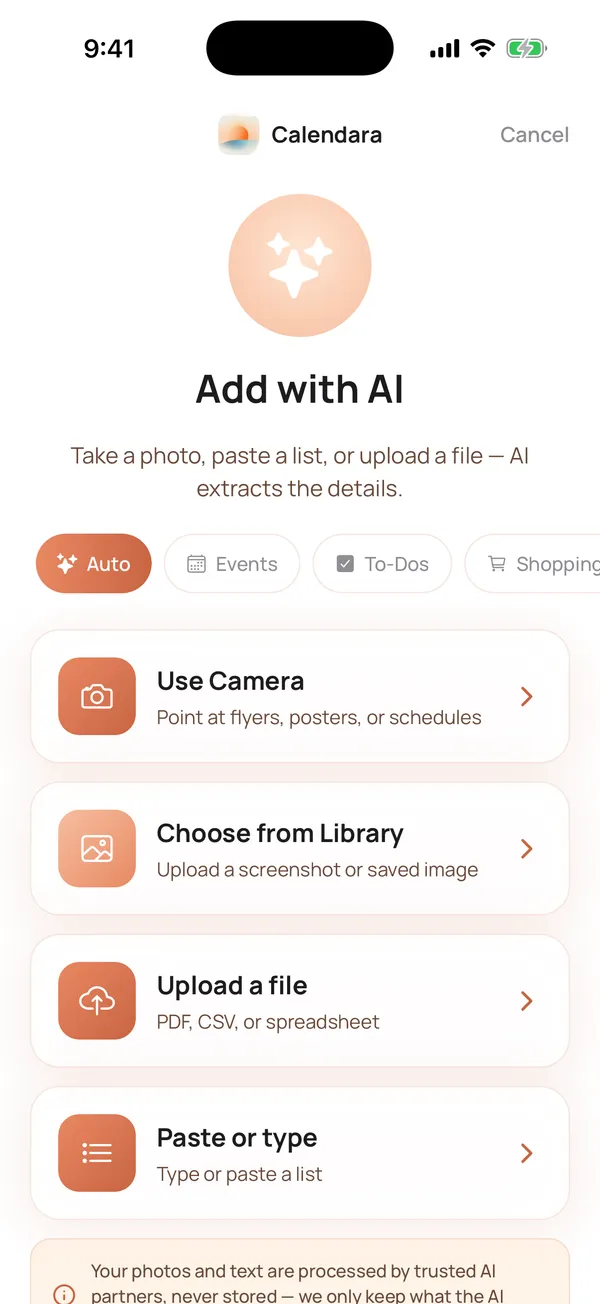
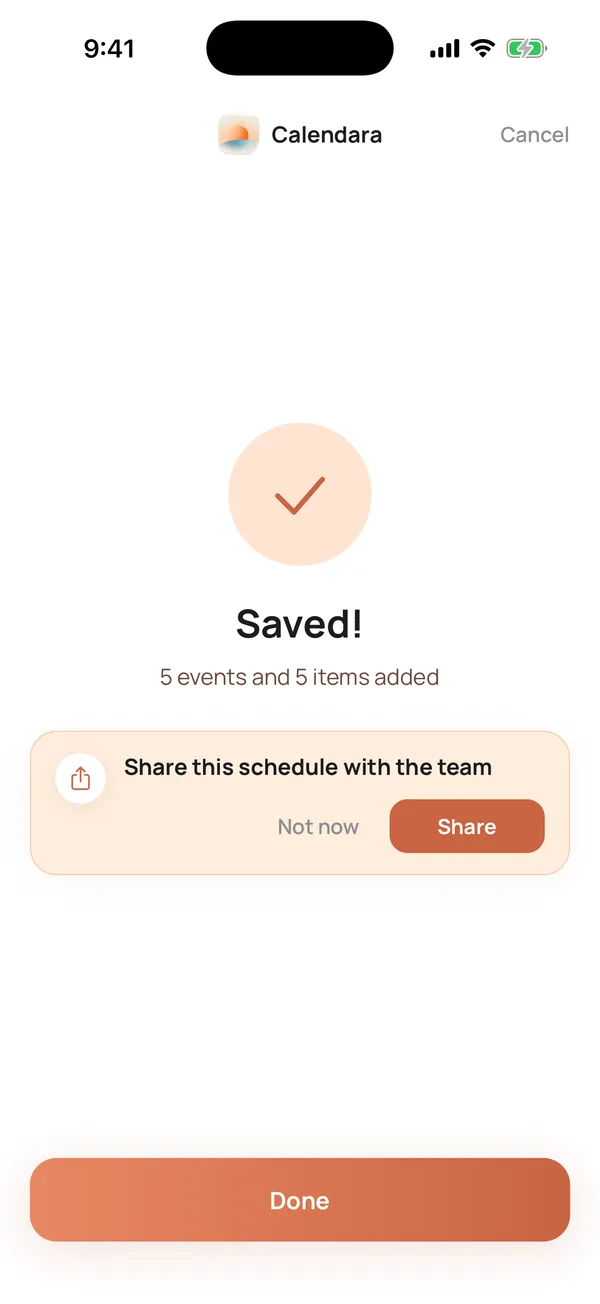
Our photo to Google Calendar guide goes through the sync in detail, and the photo to calendar guide shows a real flyer going through the app. On iPhone and also want the attachment route? See how to add a photo to an iPhone calendar event.
New families get a 7-day free preview, then $4.99/mo or $39.99/yr.
Bottom line
Google Calendar can hold an image as a Drive attachment. It cannot read the image. For a flyer, schedule or PDF, photograph it in Calendara, review the events, and let two-way Google sync put them on your calendar. A 7-day free preview, then $4.99/mo or $39.99/yr.
Put This Guide Into Practice
Download Calendara and start organizing your family calendar today.