Apple and Google Calendar can't turn a PDF into an ICS file, because a PDF holds a picture of a page, not event data. To get its dates onto your calendar, find a subscribe link, type them, or upload the PDF to Calendara, which reads every date with AI for you to review.
Reading this on a computer? Calendara is an iPhone app. Open this page on your phone, or get the download link and scan the code.
Put This Guide Into Practice
Download Calendara and start organizing your family calendar today.
What is the quickest way to turn a PDF into calendar events?
| Method | Gets you | Time for a 40-date PDF | Cost |
|---|---|---|---|
| Subscribe link from the school (an ICS feed) | Events that update themselves | A minute | Free |
| Type each event, then export | An ICS file you made yourself | About 20 minutes | Free (your evening) |
| Calendara: upload the PDF | Every event, reviewed by you | One upload, then a few minutes of review | 7-day free preview · then $4.99/mo or $39.99/yr |
Can I convert a PDF to an ICS or iCal file?
An ICS file is plain text in the iCalendar format. One event looks like this:
BEGIN:VCALENDAR
VERSION:2.0
BEGIN:VEVENT
DTSTART:20270114T180000
DTEND:20270114T190000
SUMMARY:Parent-teacher conference
END:VEVENT
END:VCALENDAR
Apple Calendar and Google Calendar can import that file. Nothing in a PDF tells a calendar app which text is a date, which is a title, and which rows repeat, so there is no button that turns one into the other. That is why "PDF to iCal" searches end in a long list of converters and still a lot of typing.
You have three practical routes.
1. Look for a calendar link first
Many schools, districts and leagues publish a subscribe link next to the PDF. Look for Subscribe, iCal or Add to Google Calendar. Subscribing is a good option because the calendar updates itself when a date changes. Our guide to adding a school calendar to Google Calendar shows where to find it.
2. Type the events, or write the ICS yourself
For five dates this is fine. Add each event to your calendar by hand, or write an ICS file like the one above for each. For forty dates, most people give up halfway.
3. Let Calendara read the PDF
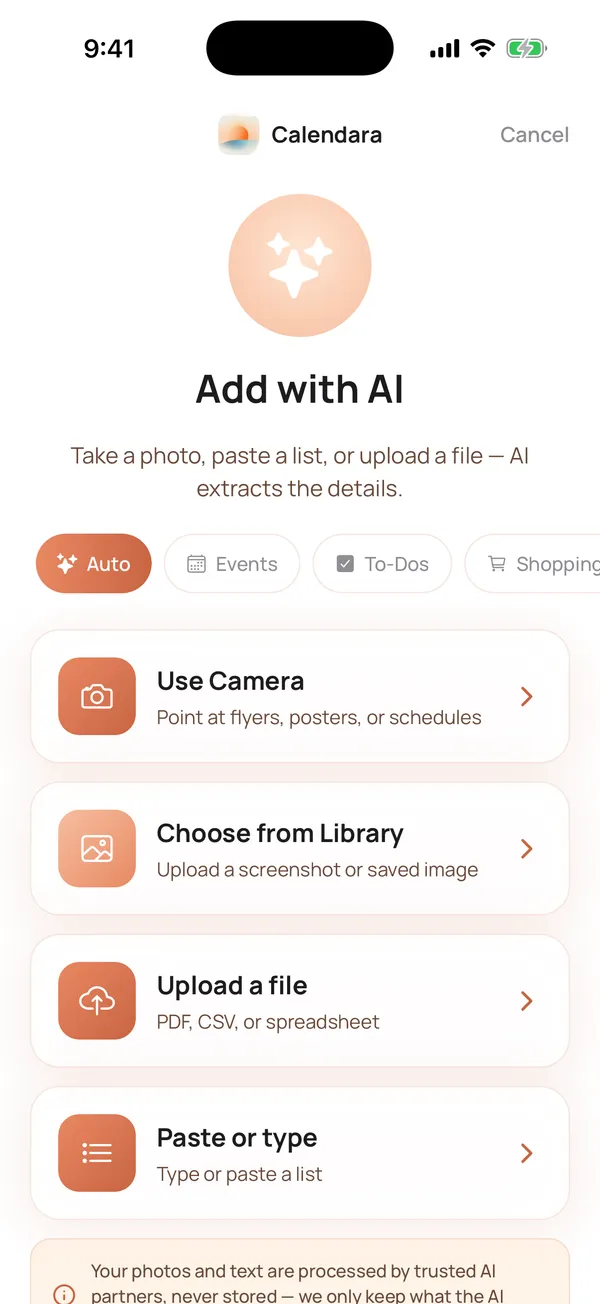
Calendara is an iPhone family calendar built to read exactly these documents. It does not hand you an ICS file. It skips that step: it reads the PDF and creates the events directly.
- Save the PDF to Files. Open the email, download the attachment, save it to Files.
- Upload it in Calendara. Calendara reads the first 10 pages, which covers a school year calendar, a season schedule and most camp packets.
- Review the list. Every event comes with title, date, time, location and repeating patterns like "practice every Tuesday and Thursday". Fix a time, edit a title, deselect rows. Nothing is saved until you approve.
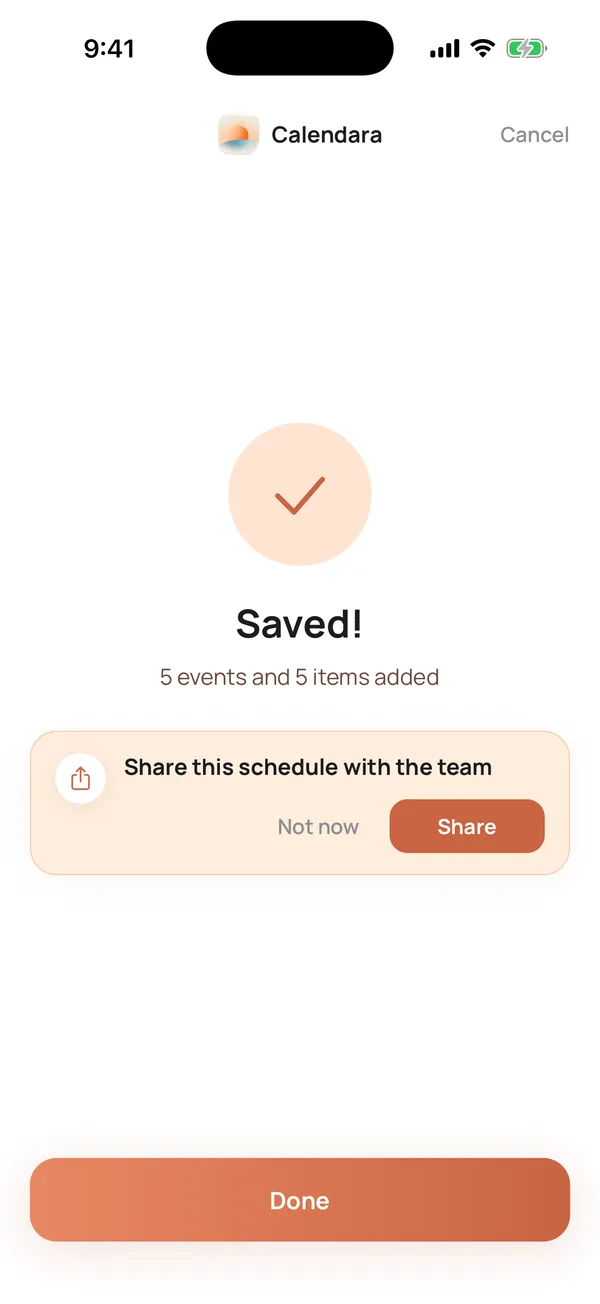
- Save. The events land in your shared family calendar, and everyone you've invited sees them on their own iPhone.
See it work on your own flyer
Take a photo of any schedule — camp flyer, practice calendar, school newsletter — and Calendara turns it into shared, color-coded events for the whole family.
How do I get the events into Apple Calendar or Google Calendar?
- Apple Calendar: in Calendara's settings, tap Connect Apple Calendar. A "Calendara" calendar appears in Apple Calendar on that iPhone with your family's events. Sync runs when the app is open on the connected iPhone. See PDF to Apple Calendar.
- Google Calendar: connect your Google account in Calendara. Sync is two-way, so an edit in either place updates the other. See PDF to Google Calendar.
- Share by link: you can share a calendar from Calendara with a link, and anyone can add it to their own calendar app. Our guide to sharing a calendar with a link has the four taps.
The full walkthrough for PDFs is in our PDF to calendar guide. If your source is a picture, read photo to calendar.
Troubleshooting
The list is missing an event. Calendara reads the first 10 pages of a PDF. Save the later pages as their own PDF and upload that.
A date landed in the wrong year. Some PDFs print "Sept 14" with no year. Check the year on the first few rows during review.
The PDF is a scan. Read the list more carefully, because AI can misread a scan. Check the times on anything that matters.
Keep the PDF. Save it in Files so you can upload it again if the school sends a revised version.
Bottom line
You do not need a PDF to ICS converter if you only want the dates on your calendar. Check for a subscribe link first. If there isn't one, upload the PDF to Calendara, review the events, and connect Apple Calendar or Google Calendar. A 7-day free preview, then $4.99/mo or $39.99/yr.
Put This Guide Into Practice
Download Calendara and start organizing your family calendar today.